Sale!

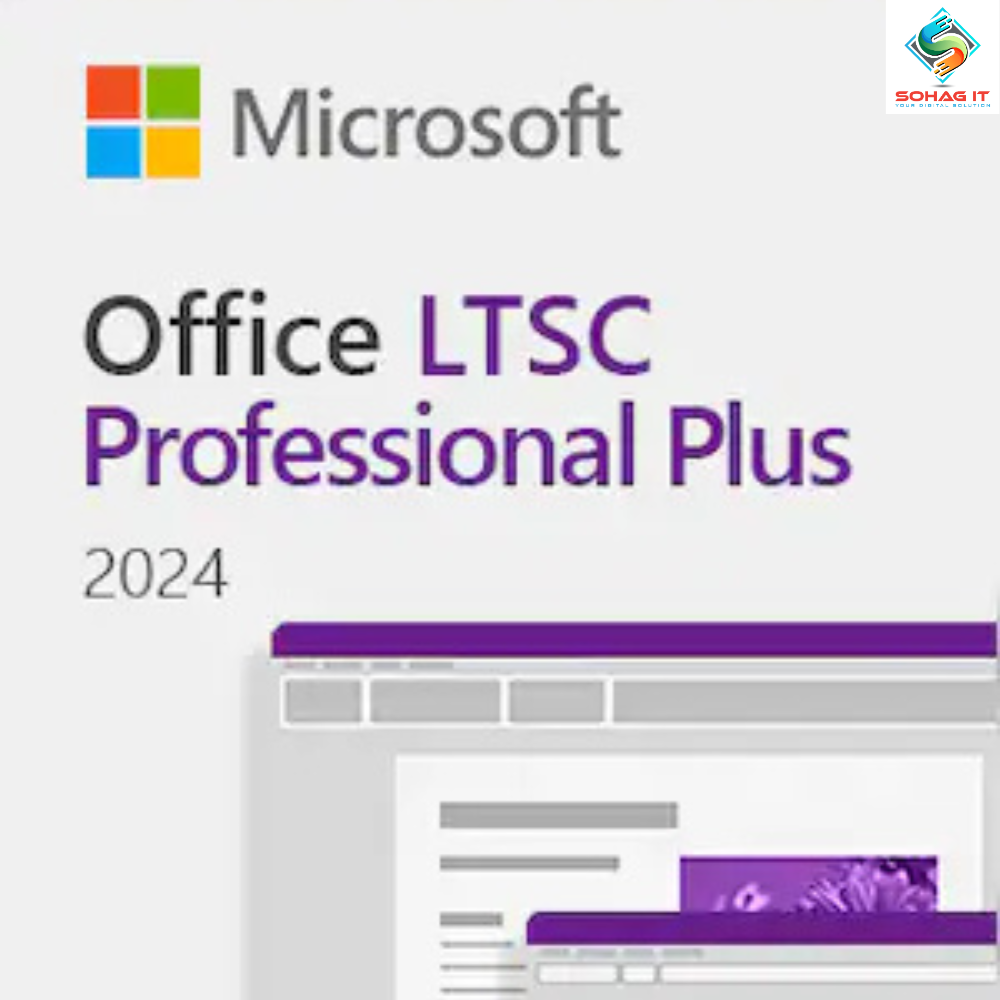
    Microsoft Office 2024 | LTSC Professional Plus (PC) – Microsoft Key – GLOBAL

    Original price was: 58,280.00৳ .Current price is: 2,699.00৳ .

    👁️ 16 people watching this product now!

    How to activate:

    1. Start any Office application, such as Word or Excel.
    2. When prompted, sign in with the Microsoft account that you used to purchase Office. This account is linked to your Office license.
    3. If you have a product key, you may be prompted to enter it. You can find the product key in your purchase confirmation email or on the packaging if you bought a physical copy.
    4. Follow the on-screen instructions to complete the activation process. This may include agreeing to the license terms and confirming your account details.
    5. Once the activation is complete, you should see a confirmation message. Your Office applications are now ready to use.


    How to activate Office LTSC:

    1. Download the Office Deployment Tool from the Microsoft Download Center
    2. Once you have a copy of the ODT, the next step is to create a configuration.xml file. Use the Office Customization Tool (OCT) instead of a text editor to create your configuration.xml file.
    3. Once you have a copy of the ODT and created your configuration.xml file, you can download the Office LTSC 2024 installation files to your local network. To do this, open an elevated command prompt, navigate to the folder where you saved the ODT and the configuration.xml file, and enter the following command: setup /download configuration.xml
    4. Install Office LTSC 2024 by using the Office Deployment Tool – open an elevated command prompt, navigate to the folder where you saved the ODT and the configuration.xml file, and enter the following command: setup /configure configuration.xml
    Scroll to Top